

People and stickers
Cut out a person for a sticker, thumbnail, or cover. Fine hair is the hardest case, so check the edges before you download.
Remove image backgrounds and download transparent PNGs.
Model
Drop an image here, or paste from clipboard.
JPG, PNG, and WebP. Up to 10 MB and 10 megapixels.
You can also paste an image.
Try a sample
Choose a JPG, PNG, or WebP, or drop and paste it.
The image is sent for background removal and returned as a PNG with an alpha channel.
Check the edges on a checkerboard, white, or black preview, then download the transparent PNG.
Cut out a person for a sticker, thumbnail, or cover. Fine hair is the hardest case, so check the edges before you download.
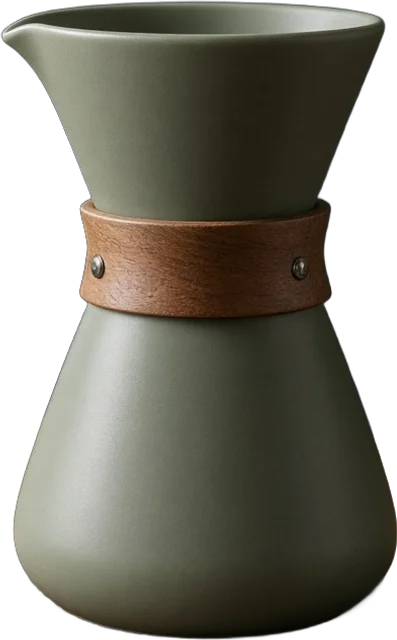
Put a product on a transparent background for a shop listing. White products need the white and black previews.
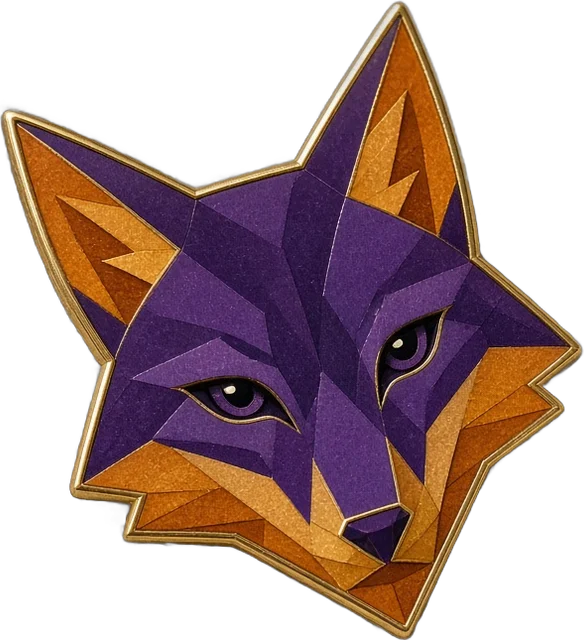
Turn a logo or diagram into a PNG you can place on any slide color. Thin lines need a close look.
No. PNG is a file format. A PNG can be fully opaque. This tool removes the background and keeps the alpha channel when you download.
JPG, PNG, and WebP, up to 10 MB and 10 megapixels. The server checks the decoded file, not only the extension.
The image is uploaded so the background can be removed. It is not added to a public gallery, and this site does not keep a library of your pictures. See the privacy policy for the provider that processes the file.
Try the white and black previews. Hair, white products, thin logos, and translucent objects are difficult. You can retry or upload a different image. The download is not offered when no subject is detected.
No. Checkerboard, white, and black are preview backgrounds. The downloaded PNG keeps transparency.